eSIM technology is now considered a staple feature for most phones released, however older devices and certain devices manufactured in specific locations do not support eSIMs. Click here to view the full list of devices.
Why Use an eSIM for Connectivity in Nepal?
When you’re trekking through Nepal’s majestic landscapes or exploring its hidden cultural gems, the last thing you want is to worry about finding local SIM shops or unreliable Wi-Fi. That’s where a virtual eSIM card becomes your ultimate travel companion. With Voye Global’s eSIM for Nepal, you can buy your prepaid eSIM online before you even board your flight, ensuring instant activation the moment you land in Kathmandu. No physical SIM swapping, no paperwork—just seamless connectivity that travels with you from the bustling streets of Pokhara to the tranquil trails of the Annapurna foothills. Voye Global’s virtual eSIM offers flexible, affordable, prepaid plans designed for adventurers like you. Whether you need high-speed data for navigation, booking teahouse stays, or sharing those once-in-a-lifetime Himalayan views, this smart solution keeps you connected at every step. Enjoy Nepal freely, with the confidence that your connection is as reliable as your sense of adventure.
How Voye Global's
eSIM Works?
FAQs
-
Do all Mobile Devices support eSIM?
-
Can I use Voye’s eSIM anywhere in the world?
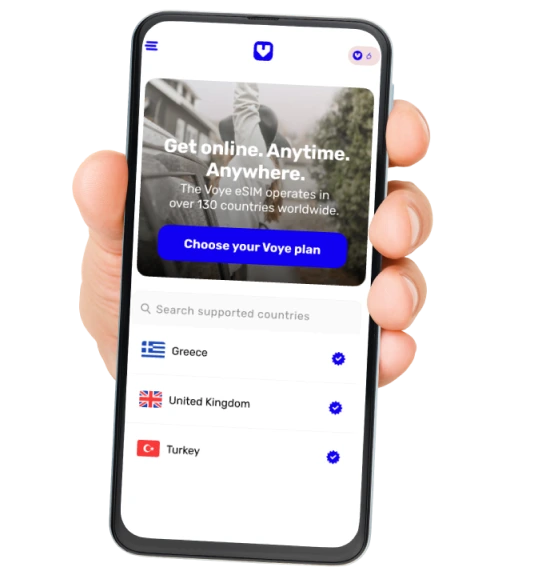
Almost! Voye eSIM coverage reaches up to 130+ countries globally. If you’re looking for a specific location, make sure you look it up first and see if we support it!
Few notes:
- Cruises between destinations are not supported.
- Some locations have unstable network infrastructure, which might lead to a bad reception. For example the Sinay desert in Egypt is known for bad reception. While we will try to give you the best experience, we cannot vouch it for these areas.
-
How do I install my eSIM?
-
I’ve installed my eSIM, what’s next?
Did you know you can test your eSIM in your home country?
With each eSIM you purchase you receive a free 100MB complementary plan. Simply turn on your Voye eSIM and try connecting to the internet. If it works, great! Your eSIM is working properly. If not you can check the step-by-step guides for iOS & Android.Just remember to turn off your eSIM once you are done testing it.