Best eSIM for Congo
Planning a trip to the Republic of Congo? Stay connected effortlessly with the best eSIM for Congo, designed for travelers who need seamless, high-speed internet without the hassle of swapping SIM cards or relying on Wi-Fi hotspots. Whether you’re visiting for business or leisure, our eSIM ensures uninterrupted connectivity, helping you navigate new places, stay in touch, and make the most of your journey. Say goodbye to expensive roaming fees and hello to instant, reliable connectivity.
How eSIM Congo Enhances Your Travel Experience
For Business Travelers
If you’re traveling for business, staying online is crucial. With Voye Global’s eSIM for Congo, you get uninterrupted connectivity, allowing you to attend virtual meetings, access work files, and communicate with your team no matter where you are. Whether you’re in Brazzaville’s financial district or moving between cities, reliable internet ensures that business never stops.
For Tourists & Backpackers
Our eSIM for tourists visiting Congo keeps you connected throughout wildlife reserves and bustling cities, so you can use maps, book rides, and share your travel moments effortlessly. Whether you’re trekking through the Odzala-Kokoua National Park or visiting Pointe-Noire’s beaches, stay online without interruptions.
For Digital Nomads
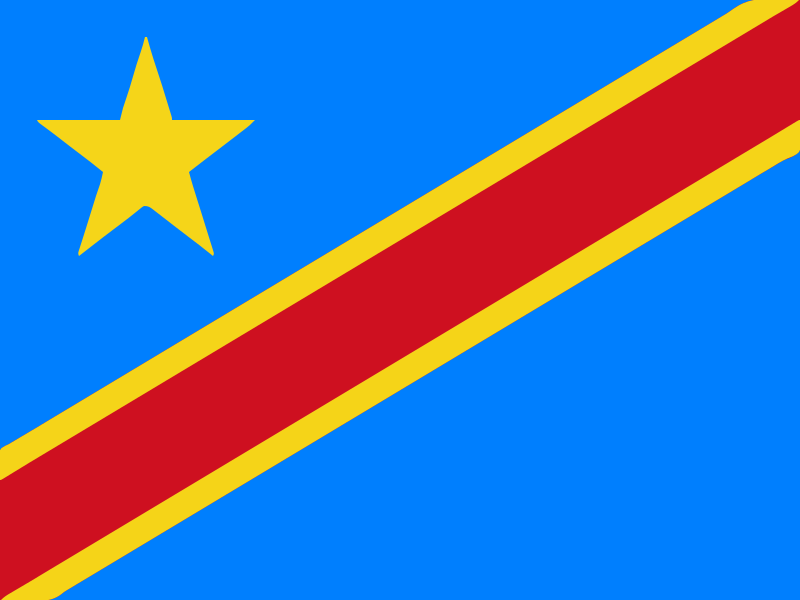
Voye Global also offers eSIM for Digital Nomads traveling to the Democratic Republic of Congo. For those who work remotely, having consistent internet access is key. Our eSIM plans offer stable, high-speed data so you can upload files, make video calls, and manage tasks efficiently. Whether you’re working from a café in Brazzaville or a riverside lodge, enjoy a stress-free digital experience.
Optimize Your Travel in Congo: Essential eSIM Tips
- Download Offline Maps – Preload maps of Brazzaville, Pointe-Noire, and national parks for easy navigation.
- Use Essential Travel Apps – Apps like Google Translate, Uber, and local transport apps help enhance your trip.
- Adjust Network Settings – Configure your device to work with Congo’s leading mobile networks for optimal performance.
Compatible Devices for Voye eSIM Congo
Ensure your device supports eSIM before traveling! Our eSIM works with top smartphones and tablets, including:
- Apple: iPhone XS, XR, and all newer models.
- Samsung: Galaxy S20, Note 20, and later models.
- Google: Pixel 3 and all subsequent versions.
- Other Brands: Check your device settings or contact our support team for assistance.
Experience Congo with the Best eSIM
Join thousands of travelers who trust Voye Global’s eSIM for Congo to stay connected without the hassle of traditional SIM cards. Whether you’re exploring nature, working remotely, or traveling for business, our eSIM ensures fast, reliable internet anytime, anywhere.

 Coverage
  Data
Data  Valid for



 English
  Español
  Français
  العربية
  עברית
עברית  日本語
日本語  한국어
한국어  Português
  简体中文
简体中文  繁體中文
繁體中文