



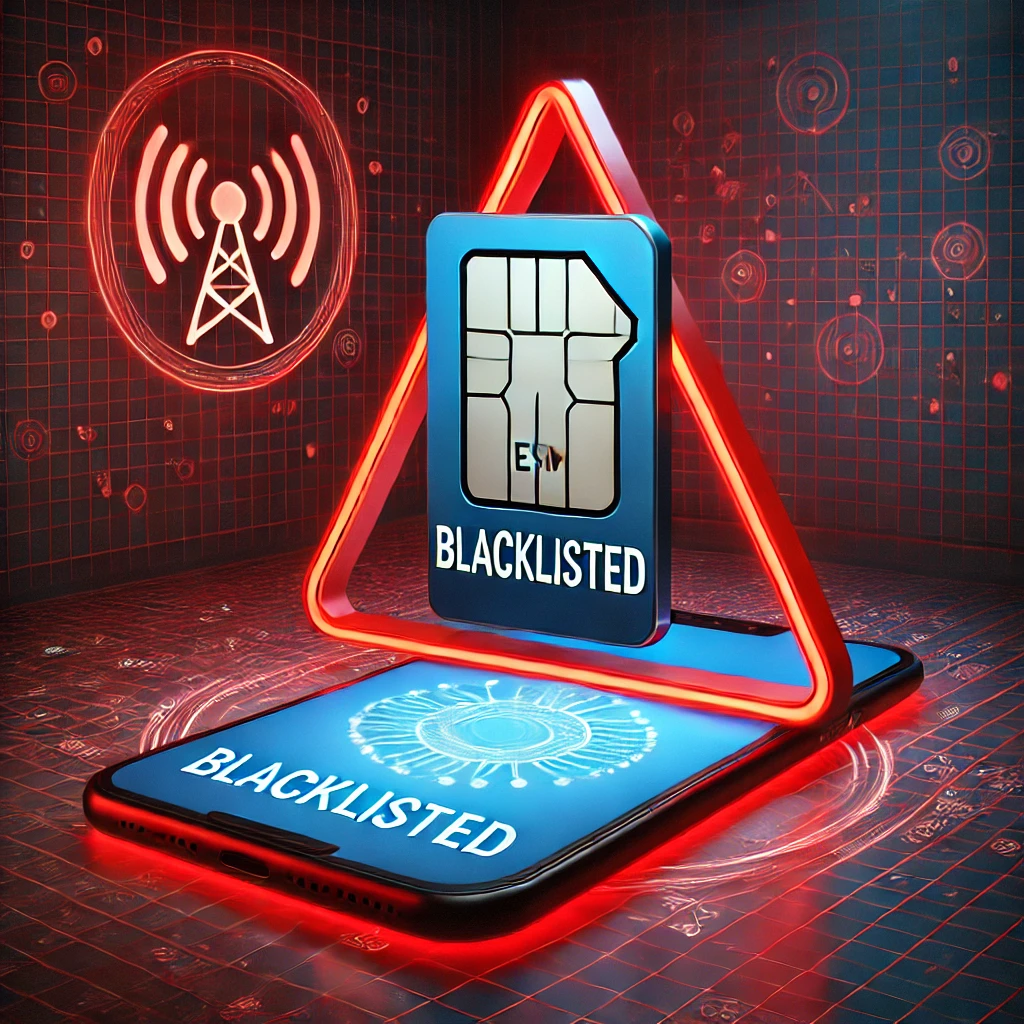
The convenience of eSIM technology is undeniable. Being able to switch carriers and data plans without physically swapping SIM cards is a game-changer, especially for travelers.
But what if your phone has been blacklisted? The question “Can I use an eSIM on a blacklisted phone?” is a common one, and the answer isn’t always straightforward.
Let’s break down what it means for a phone to be blacklisted and how that impacts eSIM functionality.
A phone typically gets blacklisted when it’s reported lost, stolen, or associated with fraudulent activity.
This status is usually maintained in a shared database among mobile carriers, preventing the device from connecting to cellular networks.
So, can you use an eSIM on a blacklisted phone? Generally, the answer is no.
The blacklist effectively blocks the phone’s ability to connect to any cellular network, regardless of whether you’re using a physical SIM or an eSIM.
The core issue is the phone’s IMEI (International Mobile Equipment Identity) being flagged, preventing it from authenticating on any network.
Why a Blacklisted Phone Can’t Use an eSIM
The reason an eSIM won’t work on a blacklisted phone comes down to how mobile networks verify devices.
When your phone attempts to connect to a network, the network checks its IMEI against the central blacklist database.
If the IMEI is flagged, the network denies access, preventing calls, texts, and data usage.
eSIMs don’t bypass this security measure. While an eSIM eliminates the need for a physical SIM card, it doesn’t change the fundamental way your phone interacts with cellular networks.
The network still needs to authenticate your device, and that authentication process still relies on the IMEI.
Therefore, even if you successfully activate an eSIM profile on a blacklisted phone, you won’t be able to connect to a mobile network. The phone’s blacklisted status overrides any eSIM settings.
Blacklisted Phone eSIM Compatibility: What You Need to Know
Here’s a summary of what you need to know about eSIM compatibility on blacklisted phones:
- Blacklisting Blocks Network Access: A blacklisted phone is blocked from accessing cellular networks, regardless of the SIM type;
- eSIM Doesn’t Bypass Blacklist: eSIMs don’t circumvent the IMEI check that prevents blacklisted phones from connecting;
- Activation May Be Possible, But Useless: You might be able to activate an eSIM profile, but it won’t provide connectivity;
- Check IMEI Status: Before attempting to use an eSIM, check your phone’s IMEI status with your carrier or an online IMEI checker.
What Can You Do If Your Phone is Blacklisted?
If your phone is blacklisted, your options are limited:
- Contact Your Carrier: If you believe your phone was blacklisted in error, contact your carrier to investigate;
- Prove Ownership: If the phone was blacklisted due to theft, provide proof of ownership to your carrier to have it removed from the blacklist;
- Use on Wi-Fi: You can still use a blacklisted phone on Wi-Fi for internet access, apps, and other online services that don’t require a cellular connection;
- Recycle Responsibly: If the phone cannot be removed from the blacklist, recycle it responsibly.
Voye Global and eSIM Compatibility
Voye Global offers convenient eSIM solutions for travelers, but it’s important to remember that their eSIMs, like all eSIMs, will not work on blacklisted devices.
Voye Global emphasizes the importance of ensuring your device is not blacklisted before purchasing an eSIM plan.
Your Journey, Our eSIM
Stay online abroad with instant activation.
The Future of eSIM and Device Security
As eSIM technology evolves, so too will the security measures surrounding device authentication.
While there’s no current workaround for using an eSIM on a blacklisted phone, future advancements may offer alternative solutions for device verification.
However, for the foreseeable future, a blacklisted phone will remain unable to connect to cellular networks, regardless of the SIM type.
In summary, you cannot use an eSIM on a blacklisted phone. The blacklist prevents the phone from connecting to any cellular network, and eSIMs don’t bypass this security measure.
If you suspect your phone is blacklisted, contact your carrier to investigate and explore your options. Always ensure your device is in good standing before investing in an eSIM plan.
Global Coverage, Local Rates
Experience hassle-free connectivity wherever you go.
Seamless Mobile Data Everywhere













 English