



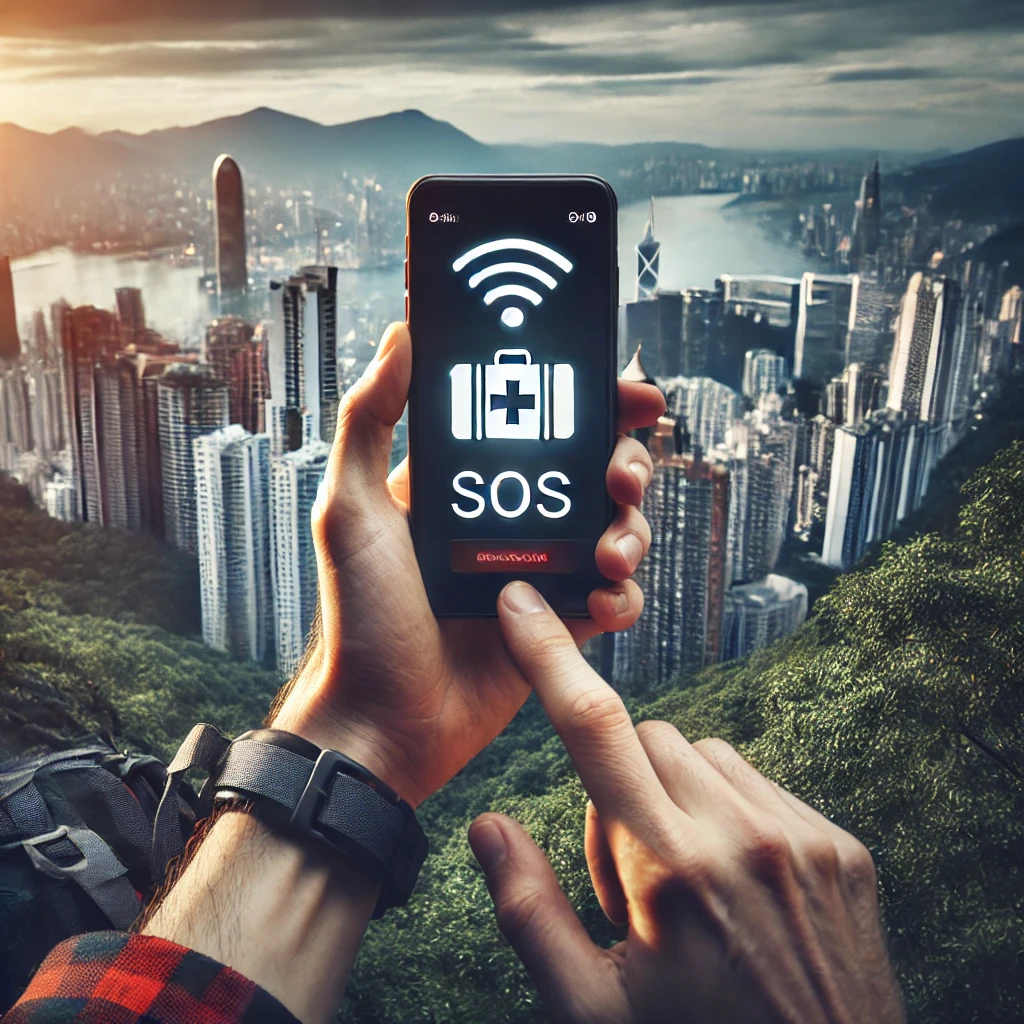
Imagine you’re hiking in a remote part of Switzerland, exploring the vibrant streets of Bangkok, or road-tripping across Australia when suddenly, you find yourself in an emergency. Your phone is your lifeline, but without a local SIM card or Wi-Fi, how do you reach help?
This is where eSIM technology becomes a game-changer for travelers. Unlike traditional SIM cards, eSIMs allow you to switch networks instantly, ensuring you stay connected even in critical situations. Whether you’re facing a medical emergency, lost in an unfamiliar city, or need urgent assistance, an eSIM can provide seamless and reliable connectivity.
In this guide, we’ll walk you through how to use eSIM for emergency situations while traveling abroad, offering practical tips, real-life examples, and insights to ensure you’re always prepared.
Understanding eSIM Technology
What Is an eSIM?
An eSIM (embedded SIM) is a digital SIM that allows you to activate a mobile plan without using a physical SIM card. It is built directly into your smartphone, tablet, or smartwatch and can be programmed remotely. Many modern devices, including iPhones, Samsung Galaxy models, and Google Pixel phones, now support eSIM technology.
How eSIM Differs from a Traditional SIM
Unlike traditional SIM cards that require physical swapping, eSIMs let you store multiple carrier profiles and switch between them without changing cards. This flexibility makes them particularly useful in emergency situations where immediate connectivity is crucial.
Why eSIM Is Essential for Emergencies Abroad
1. Instant Connectivity
In an emergency, every second counts. With an eSIM, you can activate a local or global plan within minutes, ensuring you can make calls, send messages, and use the internet without waiting for a SIM card delivery.
2. Access to Multiple Networks
Many eSIM providers offer multi-network access, meaning your device will automatically connect to the strongest available signal. This is particularly useful if you’re in an area with weak or no coverage from a single provider.
3. Reliable Access to Emergency Services
Having an active mobile network is crucial for dialing local emergency numbers, whether it’s 112 in Europe, 911 in North America, or 000 in Australia. With an eSIM, you won’t have to rely on public Wi-Fi or expensive roaming charges.
4. No Risk of Losing a SIM Card
Physical SIM cards can be lost, damaged, or stolen—especially during active travel. An eSIM remains safely embedded in your device, ensuring continuous access to your mobile network.
5. Ability to Keep a Backup Plan
With an eSIM, you can maintain multiple active plans, including your home network and a local provider. This redundancy ensures that if one network fails, you can switch to another instantly.
Your Journey, Our eSIM
Stay online abroad with instant activation.
How to Set Up and Use eSIM for Emergency Situations
Step 1: Ensure Your Device Supports eSIM
Before your trip, check whether your smartphone or tablet supports eSIM functionality. Most flagship models from Apple, Samsung, and Google are eSIM-compatible.
Step 2: Choose a Reliable eSIM Provider
Opt for a provider that offers broad coverage, high-speed data, and emergency-friendly features.
Step 3: Activate Your eSIM Before You Travel
To avoid connectivity issues, set up your eSIM before departure. This ensures that you can access mobile data immediately upon arrival. Activation typically involves scanning a QR code provided by your eSIM provider.
Step 4: Save Emergency Contacts and Local Numbers
Before your trip, store essential emergency contacts in your phone, including:
- Local emergency services (police, ambulance, fire).
- Your country’s embassy or consulate.
- Your insurance provider’s hotline.
- Family members or close friends.
Step 5: Keep a Backup Plan
If possible, maintain a secondary eSIM plan from a different provider. This way, if one network goes down, you can quickly switch to another.
Step 6: Enable Auto-Roaming and Dual-SIM Mode
Many devices allow you to use both an eSIM and a physical SIM simultaneously. Keeping your home network active while using a local eSIM ensures that you remain reachable at all times.
Real-Life Scenarios Where eSIM Can Help in Emergencies
1. Medical Emergencies
If you suddenly fall ill or get injured while traveling, having an active eSIM ensures you can call for an ambulance or seek medical assistance without delay.
Example: Maria, a traveler in Thailand, experienced severe food poisoning. Since she had an eSIM pre-installed, she was able to contact a local hospital immediately.
2. Getting Lost in a Foreign Country
Navigation apps like Google Maps require mobile data. If you’re lost in a remote area, an eSIM ensures you have access to maps, translation apps, and ride-hailing services like Uber.
Example: John was hiking in the Alps when his GPS failed. Using his eSIM, he quickly reconnected to a local network and found his way back.
3. Stolen or Lost Phone
If your phone is lost or stolen, an eSIM allows you to remotely lock your device, track its location, or contact authorities.
Tip: Use cloud-based apps like “Find My iPhone” or “Google Find My Device” with an active internet connection through your eSIM.
4. Natural Disasters or Political Unrest
In case of an earthquake, flood, or political unrest, an eSIM enables you to stay updated with emergency alerts and communicate with loved ones.
Example: When an earthquake struck Japan, travelers with eSIMs were able to receive instant safety notifications and contact their embassies.
Additional Tips for Using eSIM in Emergencies
Keep Your Device Charged: Carry a power bank to ensure your phone stays powered during emergencies.
Use Offline Maps: Download Google Maps offline so you can navigate even if you temporarily lose connectivity.
Enable Wi-Fi Calling: Some eSIM providers allow Wi-Fi calling, which can be useful if cellular networks are down.
Regularly Check Network Availability: Some remote areas may have limited service, so ensure your eSIM is connected to the best available network.
Stay Informed: Follow local news and alerts for potential safety concerns in your destination.
Conclusion: Travel Smart with eSIM
Emergencies are unpredictable, but being prepared can make all the difference. An eSIM offers travelers a seamless and reliable way to stay connected, ensuring immediate access to emergency services, navigation, and loved ones.
Before your next trip, invest in a reliable eSIM plan and follow the setup tips mentioned in this guide. Staying connected can be a lifesaver when you need it the most.
Global Coverage, Local Rates
Experience hassle-free connectivity wherever you go.
Seamless Mobile Data Everywhere













 English