



In today’s interconnected world, staying connected is more important than ever. Whether you’re a frequent traveler, someone who juggles multiple numbers, or simply looking to streamline your devices, the emergence of eSIM technology is a game-changer. But how do you find out if your iPhone or Android device is equipped with this technology? Let’s dive into the details and help you discover effortlessly whether your smartphone supports eSIM.
Understanding eSIM Technology
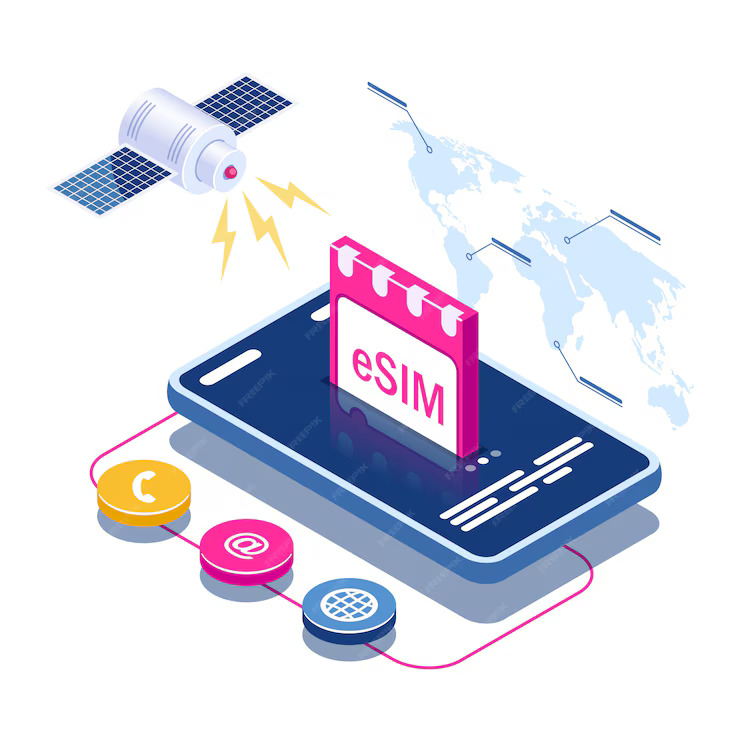
Before we explore how to check eSIM compatibility, let’s understand what eSIM technology is. An eSIM (embedded SIM) is a digital SIM that allows you to activate a cellular plan from your carrier without the need for a physical SIM card. Integrated directly into your device, eSIM technology can simplify device setup by eliminating the need for multiple physical SIM cards and facilitating easy switching between carriers or plans.
How to Check eSIM Compatibility?
For iPhone Users
Apple has embraced eSIM technology across its range of recent iPhone models. Here’s how to check if your iPhone supports eSIM:
- Check the Model: As of now, iPhone XS and later models support eSIM, including the entire iPhone 11, 12, 13, 14, and SE (2nd generation and later) series.
- iOS Settings: You can also verify eSIM support in your iPhone’s settings. Go to Settings > Cellular > Add Cellular Plan. If you see an option to add a cellular plan, your iPhone supports eSIM.
Additional Notes for iPhone Users:
- iPhones released after the iPhone XS (2018) are most likely to support eSIM. However, it’s always recommended to double-check using the method above.
- For earlier iPhone models (before the iPhone XS), the terminology might differ slightly. Look for “Available SIM” (iOS 15 or later) or “Digital SIM” (earlier iOS versions) instead of “EID.”
For Android Users
Android device manufacturers have been gradually adopting eSIM technology. The process to check compatibility varies by brand and model:
- Check the Specs: Review the specifications of your device on the manufacturer’s website or your device’s documentation. Look for eSIM mentioned in the connectivity features.
- Settings Check: In Android devices, navigate to Settings > Network & Internet > Mobile Network. If there’s an option for adding a carrier, your phone likely supports eSIM.
Additional Notes for Android Users:
- Consulting your device’s user manual or manufacturer’s website is often the most reliable way to confirm eSIM compatibility for specific Android models.
- Not all Android manufacturers have adopted eSIM technology at the same pace. Newer flagship models are more likely to be eSIM-ready.
Ready for Seamless Connectivity?
Check if your device supports eSIM for hassle-free travel connectivity.
Setting Up eSIM on Your Device
Once you’ve confirmed that your device supports eSIM, setting it up is typically straightforward:
- Contact Your Carrier: You’ll need to contact your cellular provider to get an eSIM profile. Some carriers allow you to do this through their app or website.
- Scan a QR Code: Most carriers will provide a QR code that you can scan with your device to set up the eSIM.
- Manual Entry: If a QR code is not available, you may need to enter the details manually under your phone’s cellular settings.
Troubleshooting Common eSIM Issues
If you encounter issues while setting up or using your eSIM, consider the following:
- Ensure Compatibility: Double-check that both your device and carrier support eSIM technology.
- Software Update: Ensure your device is running the latest firmware or operating system version.
- Carrier Settings Update: Sometimes, updating your carrier settings can resolve connectivity issues.
Global Coverage, Local Rates
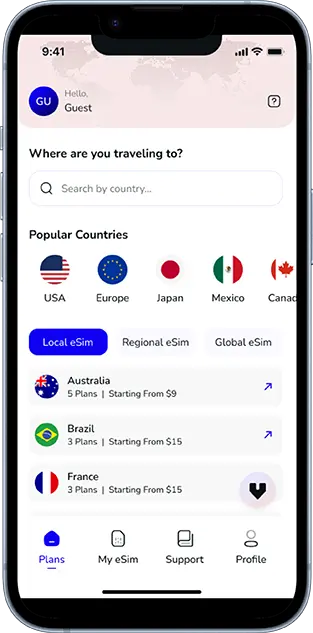
Experience hassle-free connectivity wherever you go.
Conclusion
Checking if your iPhone or Android supports eSIM is straightforward and opens up a world of convenience and flexibility. As technology evolves, eSIM could become the standard, replacing traditional SIM cards entirely and offering users an even more seamless connectivity experience. Be sure to check your device compatibility and embrace the benefits of eSIM technology.
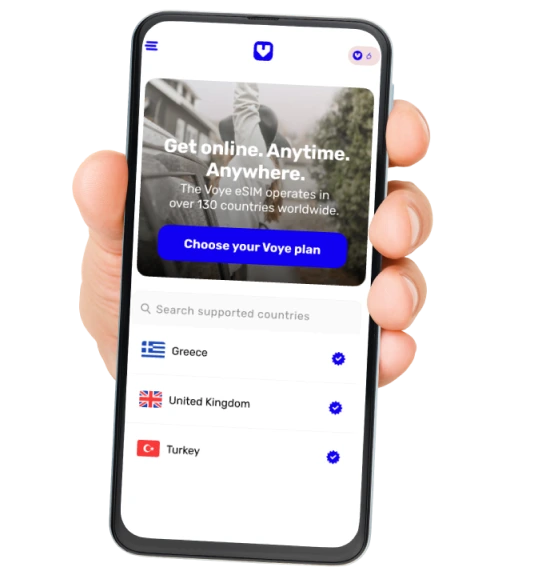
Seamless Mobile Data Everywhere













 English